How do I navigate the Audience Answers dashboard?
Topics
Audience Answers is a web-based platform - this is the link you'll want to bookmark: www.audienceanswers.org/
The home page looks like this:
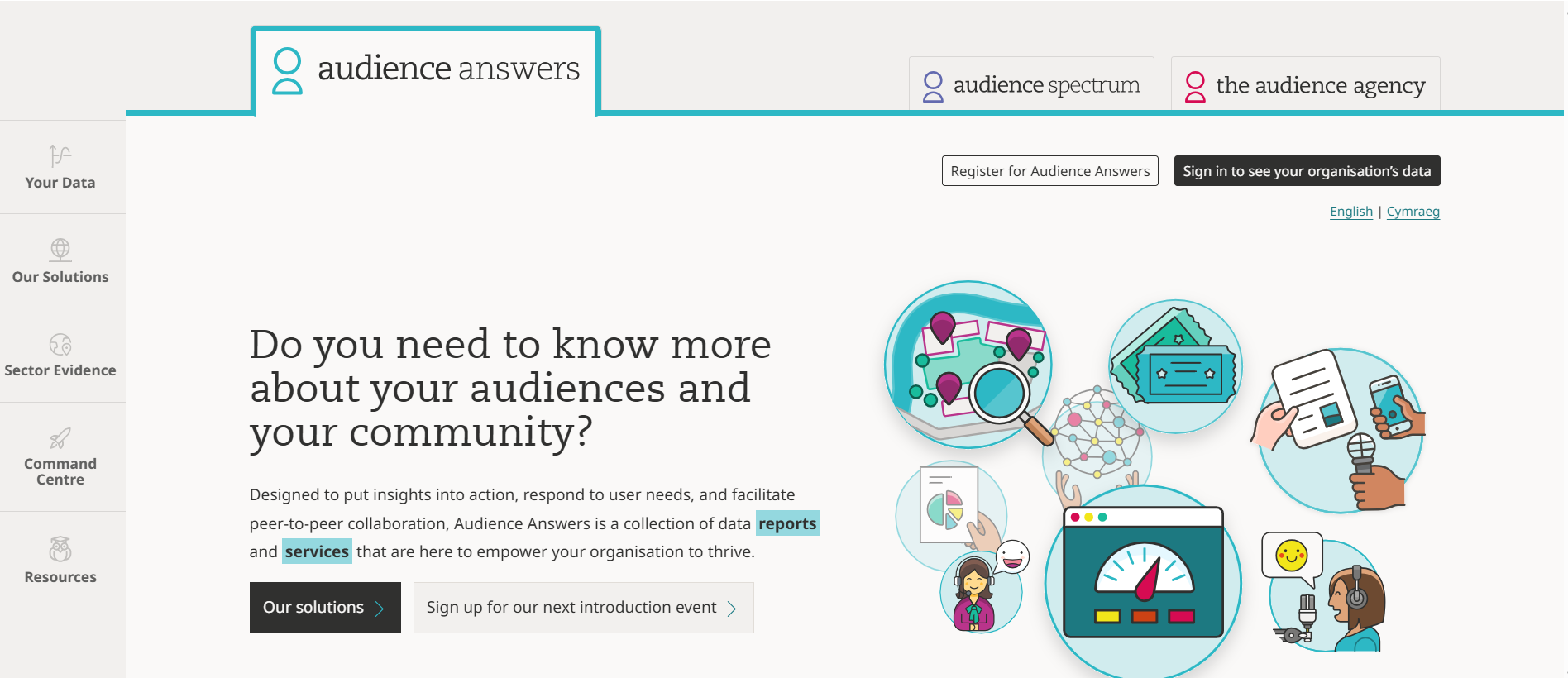
Use the left-hand menu to move around the platform.
Here's what you'll find in each section:
Your Data
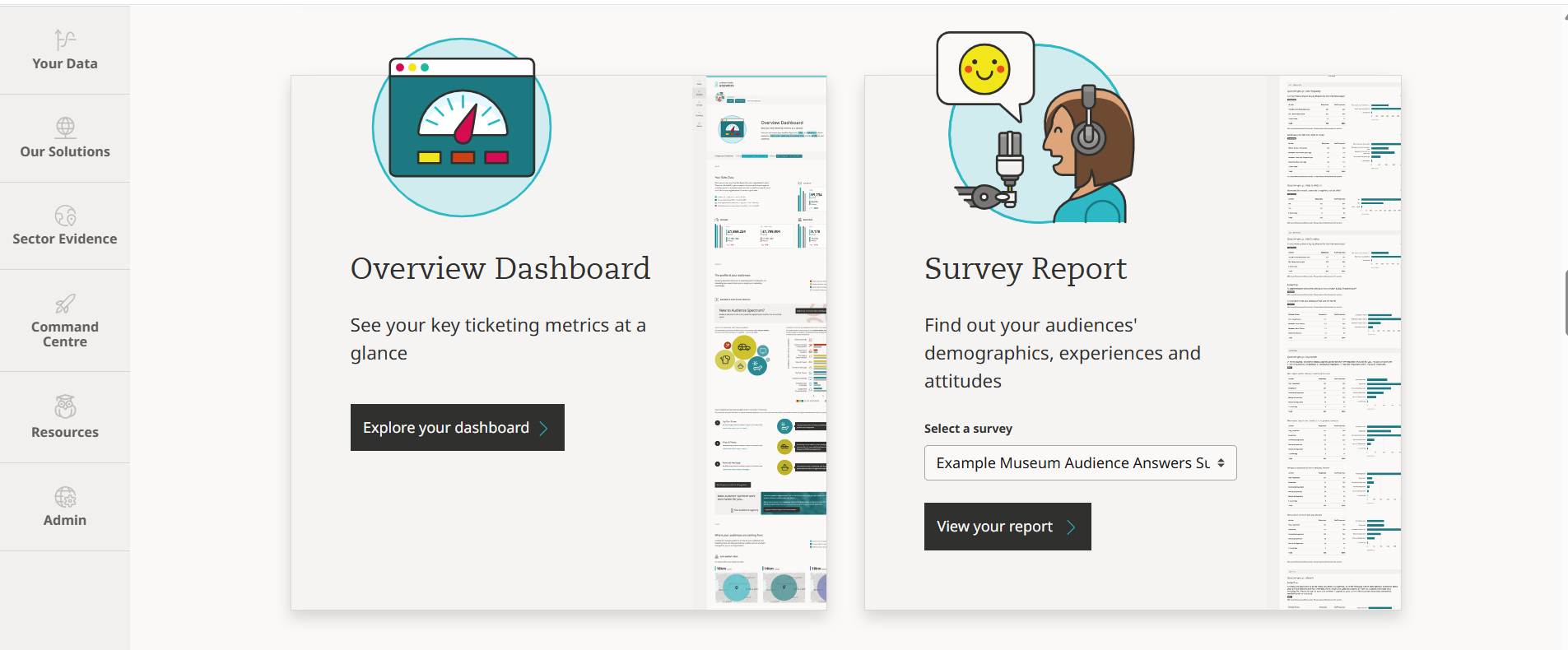
Please note: you'll need to sign in to access this area.
What you’ll find here (if your organisation has these set up):
- Your Ticketing insights dashboard
- Your Survey dashboard
Use it for:
- Viewing and analysing your data
Solutions
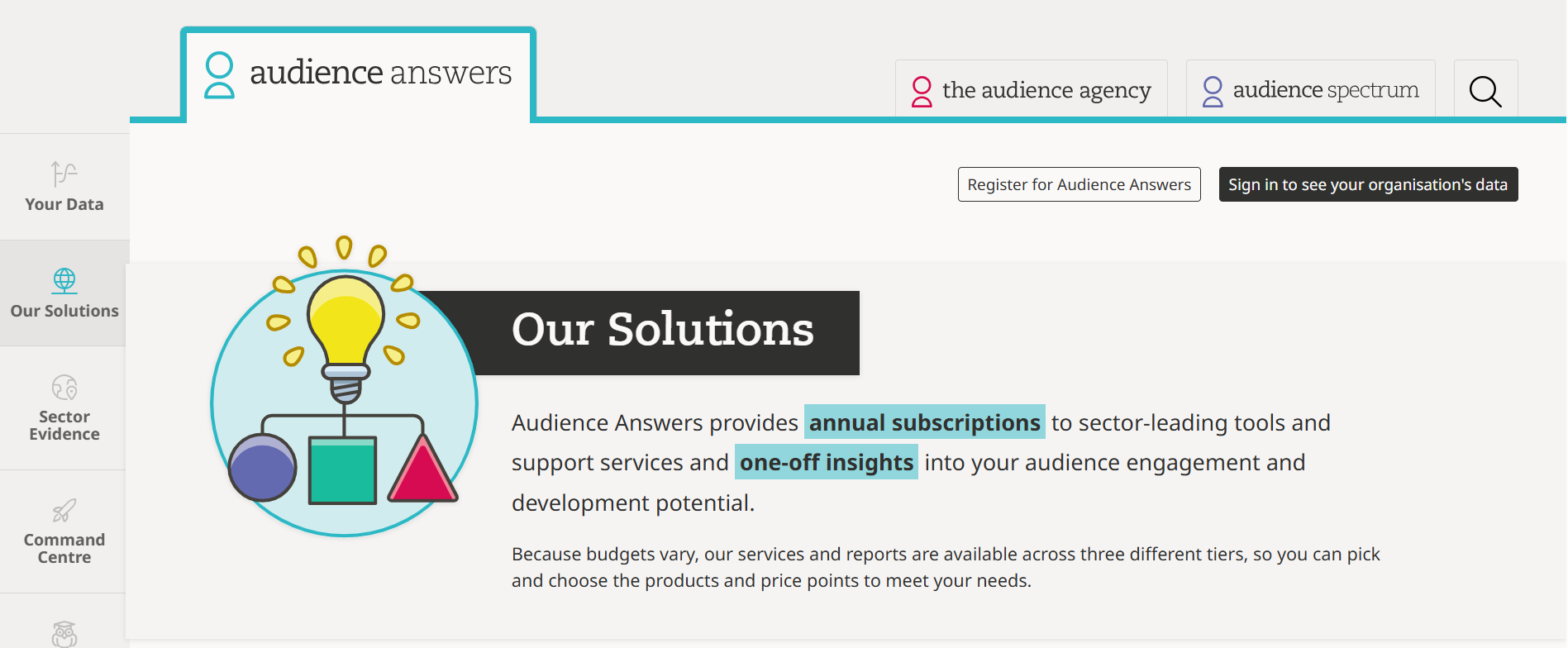
What you’ll find here:
- Information about all our products and services, both one-off reports and paid subscriptions
Use it for:
- Exploring the range of Audience Answers tools and reports to help you better understand and grow your audiences
Sector Evidence
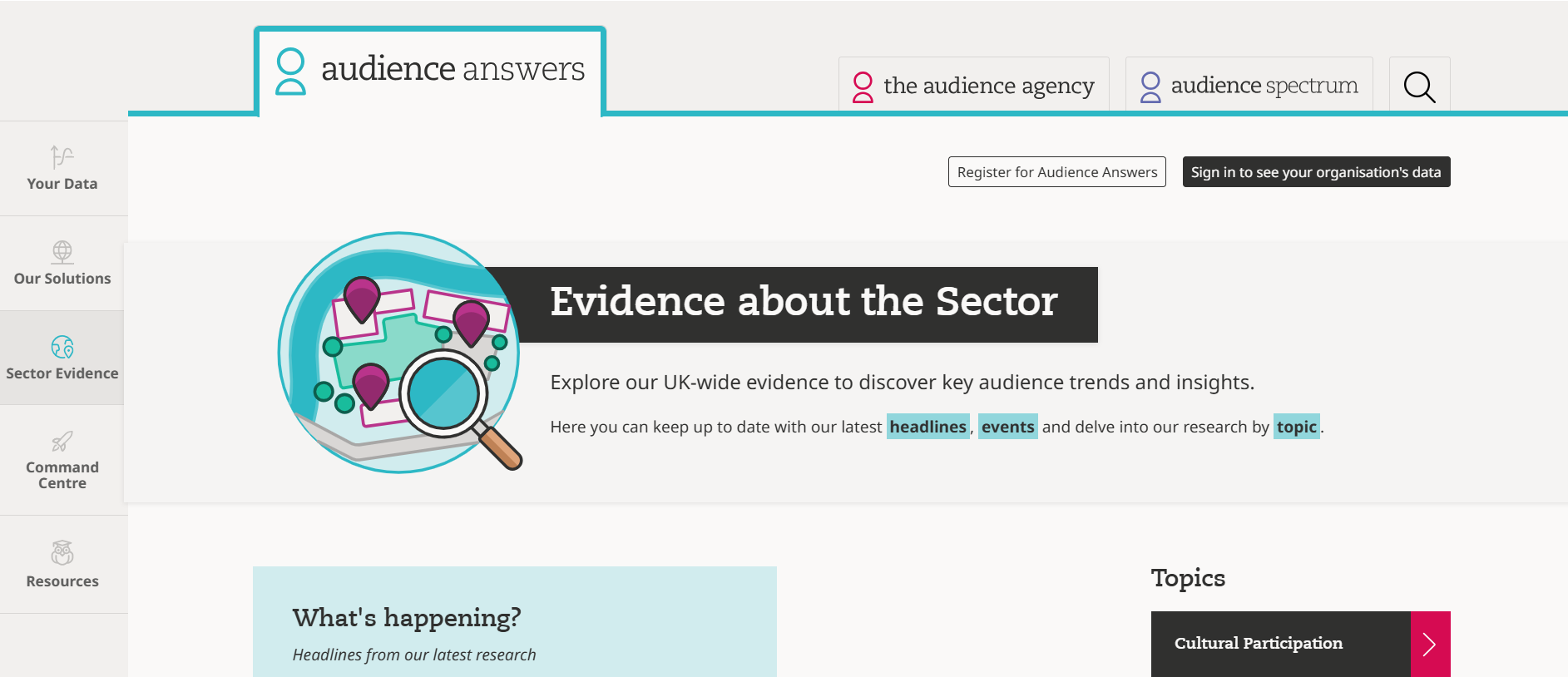
What you’ll find here:
- Our sector-wide research into audience trends and behaviours.
Use it for:
- Understanding the bigger picture across the UK arts, culture and heritage sector
Command Centre
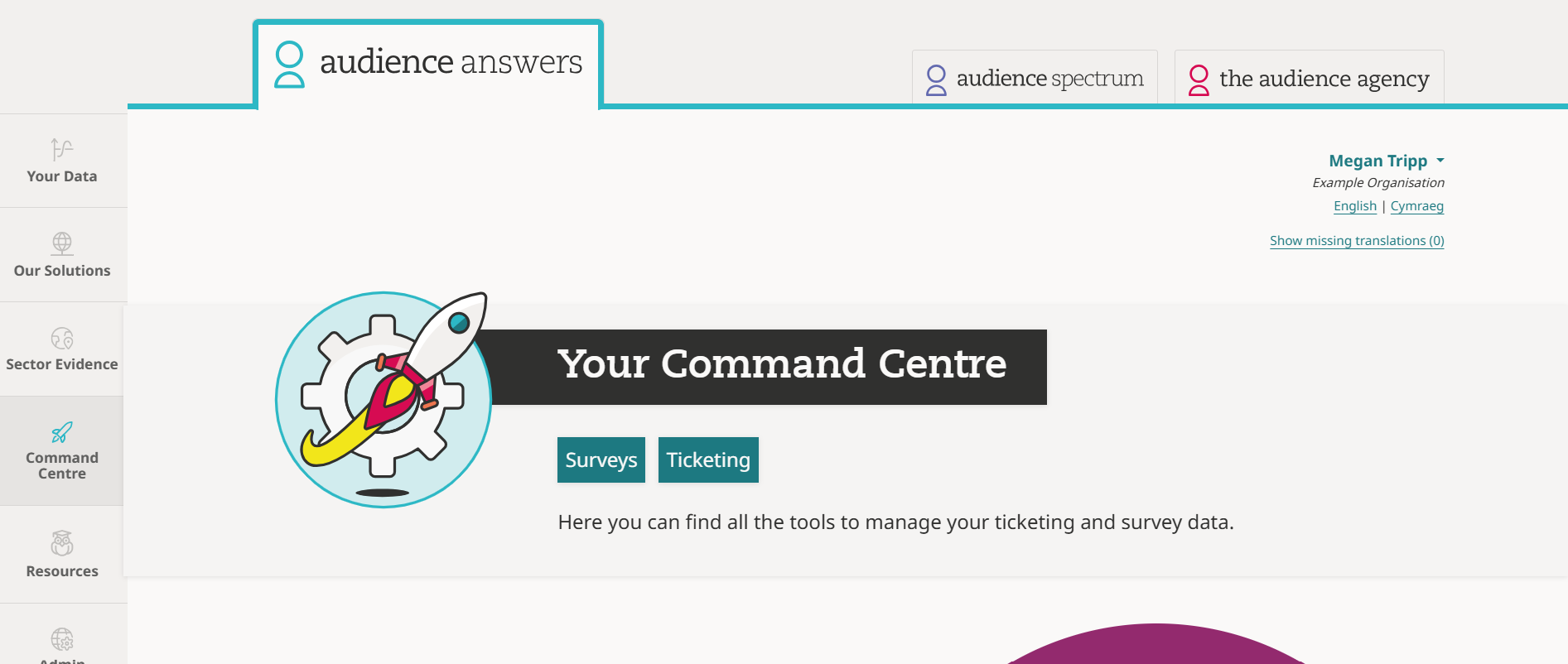
What you’ll find here:
- Tools for organisations who have either an Audience Answers ticketing insights or survey dashboard set up
Use it for:
- Upgrading your ticketing insights plan
- Creating custom event groups (available on the Essentials ticketing insights plan only)
- Exploring past survey data
- Setting up a new survey
Resources
What you’ll find here:
- FAQs - practical and technical guidance on using Audience Answers
- Guides - putting your audience data to work in marketing, audience development, and engagement,
- Case studies - inspiration from diverse cultural organisations across the country
Use it for:
-
Finding answers and inspiration
You can watch a short dashboard overview tour here:
Related Questions
- I have a new team member - how can I give them access to our Audience Answers dashboard?
- How do I access my organisation's Audience Answers dashboard?
- How do I find out the Audience Spectrum profile of my audience?
- Getting started: the survey dashboard
- Getting started: the ticketing insights dashboard