How can I access my open-ended text survey responses?
Topics
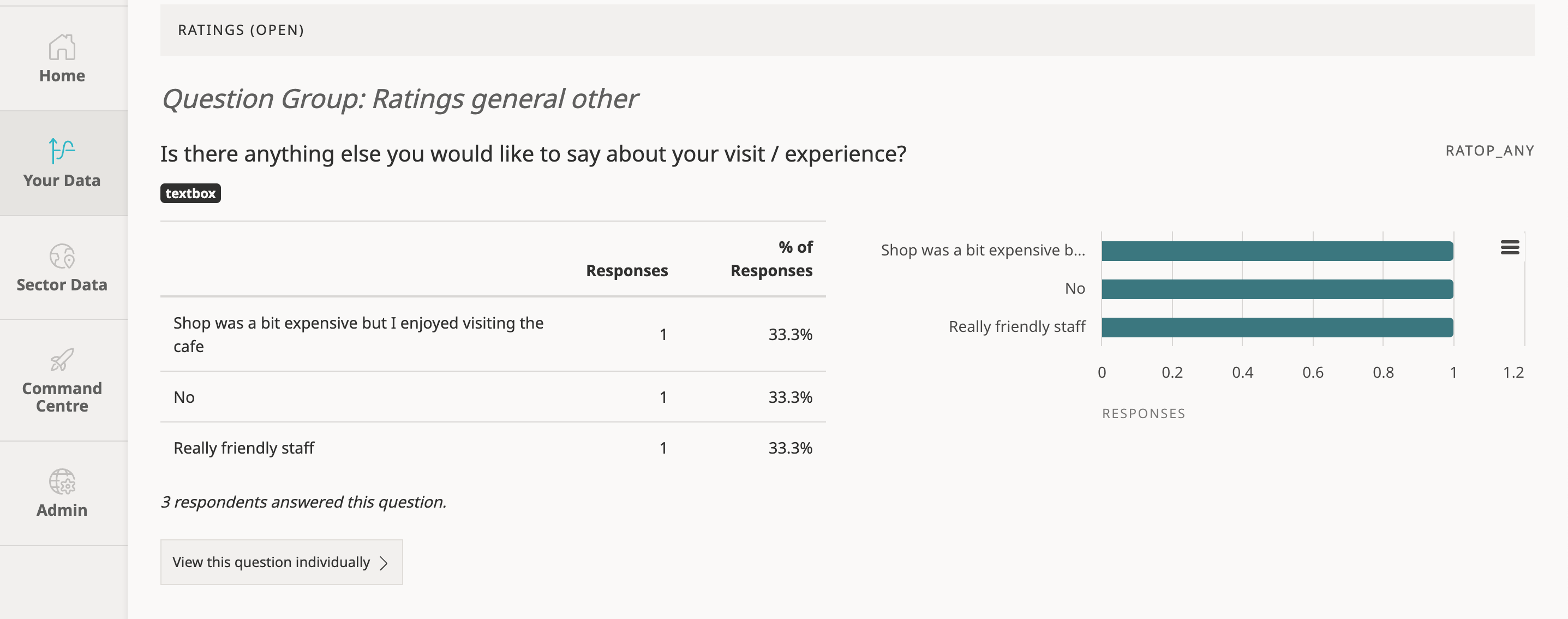
You can access your open-ended text survey responses to questions such as ‘Is there anything else you would like to say about your visit / experience?’ within your Audience Answers Survey Report searching for the question you wish to view. All open text questions are tagged with the textbox icon.
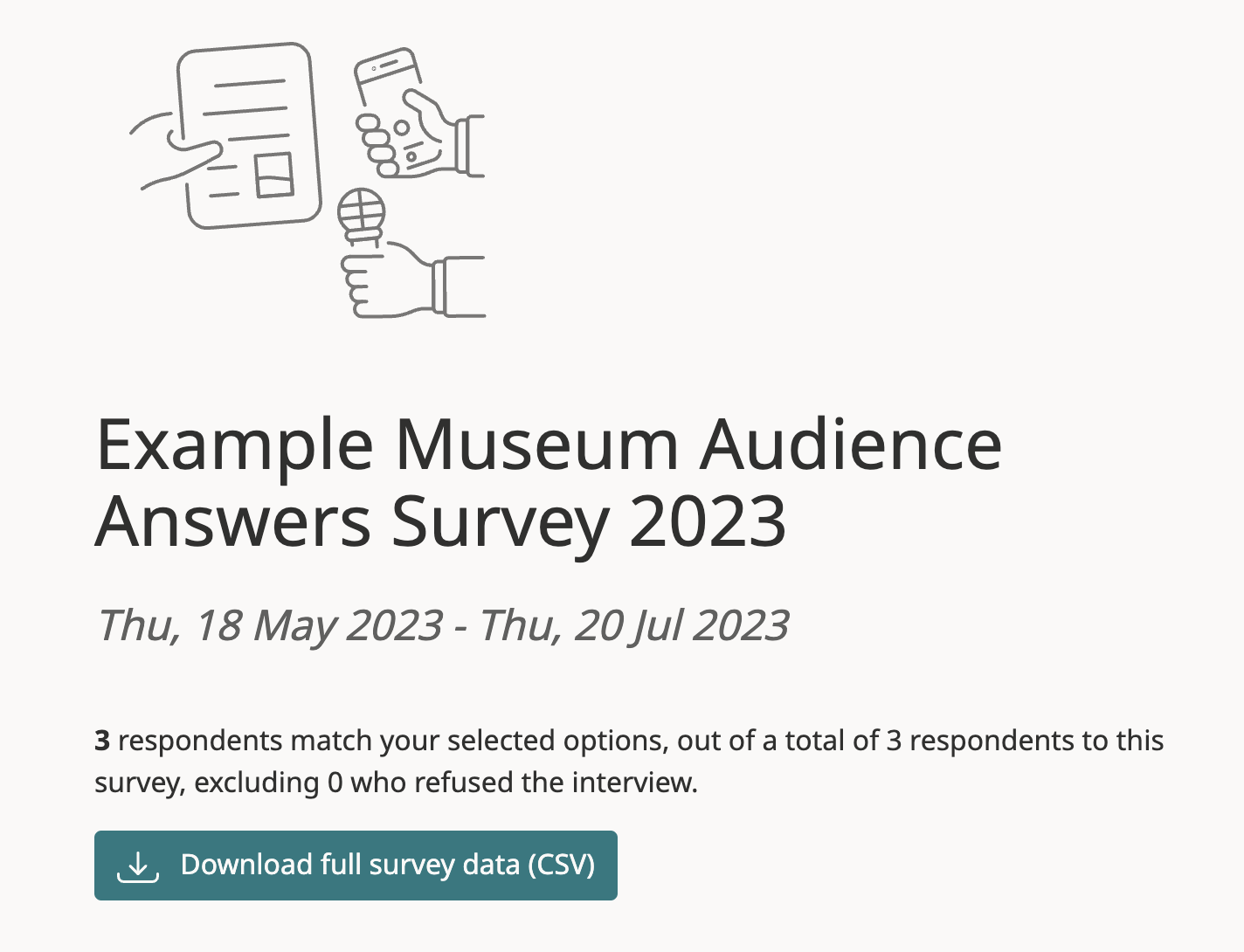
Alternatively, you can view your response data within the survey’s csv file. This can be downloaded by clicking the ‘download full survey data’ button at the top of the report.
Related Questions
- As an ACE National Portfolio Organisation, can I collect Illuminate-compliant survey data through Audience Answers?
- Is my Audience Answers Survey available in accessible formats?
- How many surveys should I collect?
- Getting started: the survey dashboard
Related Guides
- Collecting data via the Audience Answers tablet survey
- How to recruit, train and manage fieldworkers
- Top Tips | Commissioning Research and Evaluation
- Audience Answers surveys for organisations in Scotland
- A complete guide to Audience Answers surveys
- Our guide to good surveying for arts, culture and heritage organisations